Bundle
Bundle Update: Shopify integration
Updated by Noviana Fitrah
What Changed
The Bundle app for Shopify connects your store to Bundle 2.0. You choose which countries’ orders sync, see your store’s health on one list, and fix sync problems without leaving Bundle.
What you get with the Bundle Shopify integration
Choose which countries’ orders come through
Country Filtering lets you pick which countries’ orders sync from your Shopify store to Bundle. Select one or several. The Order Hold and Back Orders switches are on the same settings page.
Your store’s health on one list
Your connected store shows:
- Status: whether the store is active.
- Last sync: when orders and inventory last synced.
- Sync logs: the last 10 sync attempts.
Something look off? Run a manual sync, pause syncing or remove the store from the same list.
How to connect your Shopify store to Bundle
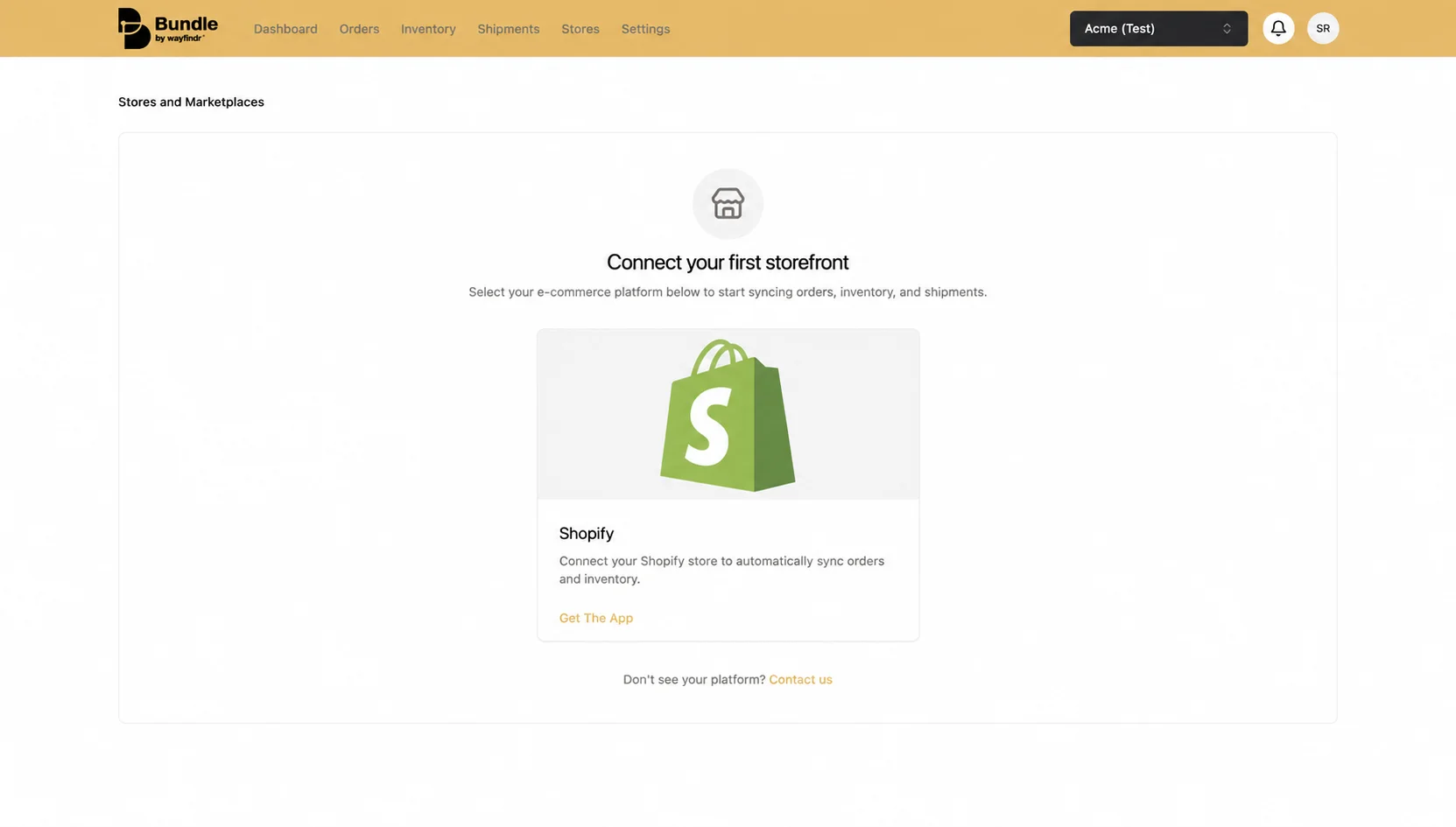
- In Bundle, go to Stores, click Add Store, then Get The App.
- Pick your store in Shopify.
- You land back in Bundle. Choose your countries and save. Orders start syncing from there.
After you connect
Bundle shows up in Shopify under Settings > Apps, like any other app. If you ever uninstall it, reconnect from Bundle with Add Store.
Any client admin can change the store’s settings later. The step-by-step Shopify guide is in the Bundle Help Centre.
Why It Matters
Clients connect their Shopify store to Bundle 2.0 once, through the Bundle app. From then on, orders go from Shopify to the warehouse automatically, and stock levels sync back to the store.
Why it matters: nobody has to retype Shopify orders into another system, which removes one of the easiest places for a wrong address or SKU to slip in. Clients also stay in control: they choose which countries’ orders come through, and whether new orders wait for their review before going to the warehouse.
Have any questions about this update?
Send a message to our product team – product@wayfindr.io